
Why Are My Emails Going to Spam? 6 Fixes That Work
Emails go to spam for six core reasons: missing or broken email authentication (SPF, DKIM, DMARC), poor sender or IP reputation, a damaged domain reputation, content that triggers spam filters, a dirty email list, and sending to purchased or scraped contacts. Fix any one of these and your email deliverability improves. Fix all six and your inbox placement rate can shift dramatically. According to Validity's 2025 Email Deliverability Benchmark Report, the global average inbox placement rate sits at roughly 83.1 to 83.5%, meaning roughly 1 in 6 legitimate emails never reaches the inbox at all.
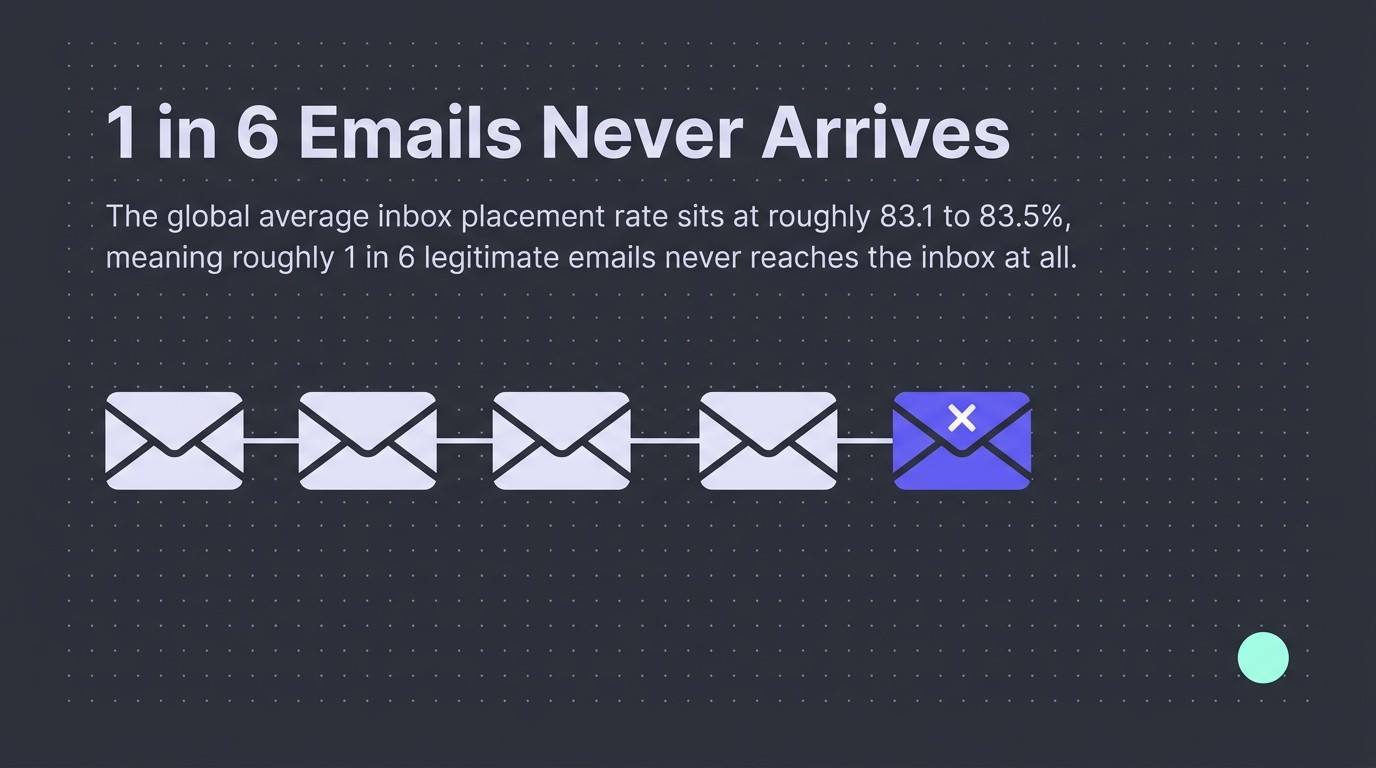
That number should bother you. If you're sending a post-purchase flow, a win-back campaign, or a welcome series, and 1 in 6 emails is silently disappearing into the spam folder, you're losing revenue you don't even know you're losing. We audit Klaviyo accounts across hundreds of ecommerce brands, and authentication gaps plus list hygiene issues are consistently the two fastest fixes with the biggest impact on deliverability. This guide covers both, plus everything else pushing your emails into the spam folder.
How Spam Filters Decide Where Your Email Lands
Spam filters are not simple keyword blockers. Modern mailbox providers run multi-layer filtering systems that assess your email before it ever reaches a recipient's inbox.
The process works in layers. First, the mailbox provider checks your sending infrastructure: does your IP have a clean reputation, and do your DNS records pass authentication checks? Then it assesses your domain's history. Then it scores your content. Then it checks how recipients have engaged with your previous sends. All of this happens in milliseconds.
Gmail's AI-powered defences stop more than 99.9% of spam, phishing, and malware, blocking nearly 15 billion unwanted emails every day. That same infrastructure also evaluates every legitimate sender, which is why even well-intentioned emails go to the spam folder when the underlying signals are off.

The result of this multi-layer scoring is a spam score. If your email crosses a threshold, it either lands in the spam folder or gets blocked entirely. According to Unboxd's email statistics report, approximately 15% of legitimate email lands in spam or is blocked. You can write great emails and still lose them to this process if your technical foundations are weak.
The good news: every layer is fixable. The fixes below address each one directly.
Fix 1: Your Email Authentication Is Missing or Misconfigured (SPF, DKIM, DMARC)
Missing or misconfigured SPF, DKIM, and DMARC records are the single most common reason legitimate emails go to the spam folder, and they are also the fastest to fix.
Email authentication is how mailbox providers verify that an email claiming to come from your domain actually did. Without it, your emails look suspicious by default, regardless of how good the content is.
What SPF, DKIM, and DMARC each do
SPF (Sender Policy Framework) is a DNS record that lists which IP addresses are authorised to send email on behalf of your domain. If your email service provider's IP is not on that list, receiving servers may reject or spam-folder your email.
DKIM (DomainKeys Identified Mail) adds a cryptographic signature to your emails. The receiving server checks this signature against your DNS record to confirm the message was not tampered with in transit.
DMARC (Domain-based Message Authentication, Reporting and Conformance) sits on top of both. It tells receiving servers what to do if SPF or DKIM checks fail: nothing (p=none), quarantine (spam folder), or reject (block entirely). It also sends you reporting data so you can see authentication failures as they happen.
Why this is now non-negotiable
As of February 2024, Google and Yahoo require all bulk senders to implement SPF, DKIM, and DMARC. Microsoft followed in May 2025, requiring DMARC at p=none or stronger for domains sending 5,000 or more emails per day. These are not recommendations. Fail the checks and your emails go straight to the spam folder.
Despite this, adoption is still incomplete. SPF adoption hit 93% and DKIM reached 90% of tested email-sending domains in 2026, according to Unspam's deliverability statistics. That means a meaningful share of senders are still missing basic authentication, handing mailbox providers a reason to spam-folder every message they send.
Fix it:
- Log in to your DNS provider (Cloudflare, GoDaddy, Namecheap, etc.) and check whether SPF and DKIM records exist for your sending domain.
- Your email service provider (Klaviyo, Mailchimp, SendGrid, etc.) will give you the exact DNS records to add. Follow their setup guide precisely.
- Add a DMARC record. Start with
p=noneto collect reporting data without affecting delivery, then move top=quarantineonce you have reviewed the reports. - Use MXToolbox to verify all three records are publishing correctly.
- Check your DMARC reports via Dmarcian or a similar tool to spot any authentication failures across your sending infrastructure.

For ecommerce brands running Klaviyo, this is the first item on every deliverability audit we run. It takes under 30 minutes to configure properly and the inbox placement improvement is immediate.
Fix 2: Your Sending IP Has a Poor Reputation
Your sending IP reputation is a score that mailbox providers assign to the IP address your emails originate from, and a damaged score causes emails to land in the spam folder even when everything else is correct.
Most ecommerce brands start on a shared IP provided by their email service provider. That means your IP reputation is partly determined by the behaviour of other senders on the same pool. One high-complaint sender on your shared IP can drag down inbox placement rates for everyone sharing it.
Shared IP vs dedicated IP
A shared IP is fine for lower-volume senders. Most reputable email service providers actively monitor shared IP pools and remove bad actors. But once you're sending at significant volume consistently, a dedicated IP gives you full control over your own reputation.
The catch with a dedicated IP: you have to warm it up. Sending large volumes immediately from a brand-new IP looks suspicious. Start low (a few hundred emails per day), send only to your most engaged subscribers, and increase volume gradually over four to six weeks.
Fix it:
- Check whether your sending IP is on any blocklists using MultiRBL or MXToolbox's Blacklist Check.
- If you're on a blocklist, follow that blocklist's delisting process. Most have a self-service request form.
- Monitor your IP reputation ongoing via Google Postmaster Tools, which shows you IP and domain reputation directly from Gmail's perspective.
- If you are consistently hitting spam folders despite a clean IP, consider whether a dedicated IP and a proper warm-up process is the right move for your sending volume.
IP reputation damage does not fix itself overnight. But identifying it quickly means you can stop the bleeding and start the recovery process rather than sending into a black hole.
Fix 3: Your Domain Has a Bad Reputation
Domain reputation is separate from IP reputation, and mailbox providers weight it heavily. A domain with a history of high spam complaints, poor engagement, or authentication failures will push emails to the spam folder regardless of which IP sends them.
Domain reputation builds over time. Every send from your domain either deposits trust or withdraws it. High open rates, low spam complaints, and consistent authentication practices build a strong domain reputation. The inverse damages it, sometimes quickly.
One practical concern for ecommerce brands: if you use a subdomain for marketing emails (say, mail.yourbrand.com), that subdomain has its own reputation separate from your main domain. This is actually useful. A deliverability problem on your marketing subdomain does not automatically contaminate your main transactional domain, and vice versa.
Fix it:
- Set up Google Postmaster Tools and connect your sending domain. It gives you a direct view of how Gmail rates your domain reputation.
- Check the Yahoo Complaint Feedback Loop to monitor spam complaint signals from Yahoo Mail users.
- If domain reputation is low, do not send to your full list. Send only to your most engaged subscribers (opened in the last 30 to 60 days) until reputation recovers.
- Avoid sudden spikes in send volume. Consistent, predictable sending patterns build trust with mailbox providers.
Our Klaviyo audit checklist covers domain reputation checks as a core diagnostic step. If you haven't verified your domain's standing with major mailbox providers, that is where to start.
Fix 4: Your Email Content Is Triggering Spam Filters
Spam filter content scoring looks at your subject line, body copy, HTML code quality, and the ratio of images to text, and any of these can push your emails into the spam folder independently of your authentication or reputation signals.
Content filtering is the layer most people think about first when emails go to spam, but it's rarely the root cause. Fix your authentication and reputation first. Then audit your content.
Spam trigger words and subject lines
Certain words and phrases carry strong spam associations. Words like "free", "guaranteed", "act now", "winner", and excessive punctuation or capitalisation in subject lines are classic triggers. 42% of email subject lines trip at least minor spam flags, according to Unspam's deliverability statistics. That's a majority of senders inadvertently damaging their own inbox placement rates.

The fix is not to avoid all promotional language. It's to avoid aggressive, pressure-heavy language that looks like the content patterns spam filters were trained on.
HTML quality and image-to-text ratio
Sloppy HTML is a real spam signal. Broken tags, copied-and-pasted content from Word or Google Docs (which imports hidden formatting), excessive inline styles, and missing plain-text versions all degrade your spam score.
Image-heavy emails with very little text are also flagged. Spam filters cannot read images. An email that is 90% image and 10% text looks to a spam filter like someone trying to hide content. Aim for a rough 60:40 text-to-image ratio minimum.
Fix it:
- Run your email through mail-tester.com before sending. It gives you a spam score and flags the specific issues causing it.
- Always include a plain-text version of every email. Every major email service provider generates this automatically, but check it is actually populated and readable.
- Review your subject lines against common spam trigger word lists before scheduling a send.
- Validate your HTML using a tool like W3C's HTML Validator if you are building custom templates.
For Klaviyo users, our email template design best practices guide covers formatting decisions that specifically affect spam scoring and inbox placement rates.
The no-reply trap
Sending from a no-reply@ address is a quiet deliverability killer. It signals to both spam filters and recipients that you do not want engagement. Recipients cannot reply, which removes a natural positive engagement signal. Some spam filters actively penalise no-reply senders.
Use a real, monitored reply address. Even hello@yourbrand.com is better than no-reply. It invites replies, and replies are one of the strongest positive signals a recipient can send to a mailbox provider.
Fix 5: Your Email List Is Dirty or Unverified
A dirty email list, one containing invalid addresses, unengaged contacts, and addresses that have never opted in properly, directly damages sender reputation and pushes future emails to the spam folder.
Every hard bounce signals to mailbox providers that you're sending to addresses that don't exist. Accumulate enough of them and your sender reputation takes a hit that extends to your valid contacts too. This is a slow, compounding problem. The longer you ignore list hygiene, the more expensive the fix becomes.
Hard bounces and their impact
A hard bounce means an email was permanently undeliverable: the address doesn't exist, the domain is invalid, or the recipient's server has permanently rejected your sending domain. Hard bounces need to come off your list immediately. Most reputable email service providers suppress hard bounces automatically, but you should verify this is happening in your account settings.
Soft bounces (temporary failures like a full inbox) are less critical, but persistent soft bounces to the same address suggest the contact is no longer active.
Engagement-based list segmentation
Sending to unengaged subscribers is not neutral. It actively hurts your email deliverability. Mailbox providers watch engagement signals at the domain and IP level. Low open rates across a large send tell Gmail, Outlook, and Yahoo that recipients don't want your emails. The response is to start routing future sends to the spam folder.
The practical fix: segment your list by engagement. Send your main campaigns only to subscribers who have opened or clicked in the last 90 to 180 days. Put everyone else into a re-engagement flow. If they don't engage after that, suppress them.
This feels counterintuitive. Sending to fewer people feels like leaving revenue on the table. It's not. Sending to engaged segments improves your spam complaint rate, which improves your sender reputation, which improves inbox placement for everyone on your list. Our email segmentation strategies guide covers exactly how to build these segments properly.
Fix it:
- Run your list through an email verification tool like ZeroBounce or NeverBounce to remove invalid addresses before your next send.
- Check your hard bounce rate in your email service provider dashboard. Anything above 2% is a problem that needs addressing now.
- Build an engagement suppression segment in Klaviyo: anyone who hasn't opened or clicked in 180 days gets moved off your main send list until they re-engage.
- Implement a sunset policy. Define a maximum inactivity window after which contacts are suppressed permanently.
Fix 6: You're Sending to Purchased or Scraped Email Lists
Sending to a purchased or scraped email list is the fastest way to destroy sender reputation, accumulate spam complaints, and get your domain blacklisted, because every person on that list never asked to hear from you.
Purchased lists are not a grey area. Contacts on these lists have not opted in to your brand. Many of them are invalid addresses that generate hard bounces. Some are spam traps, addresses operated by anti-spam organisations specifically to identify senders who use low-quality acquisition methods. Hit a spam trap and your domain can be blacklisted within hours.
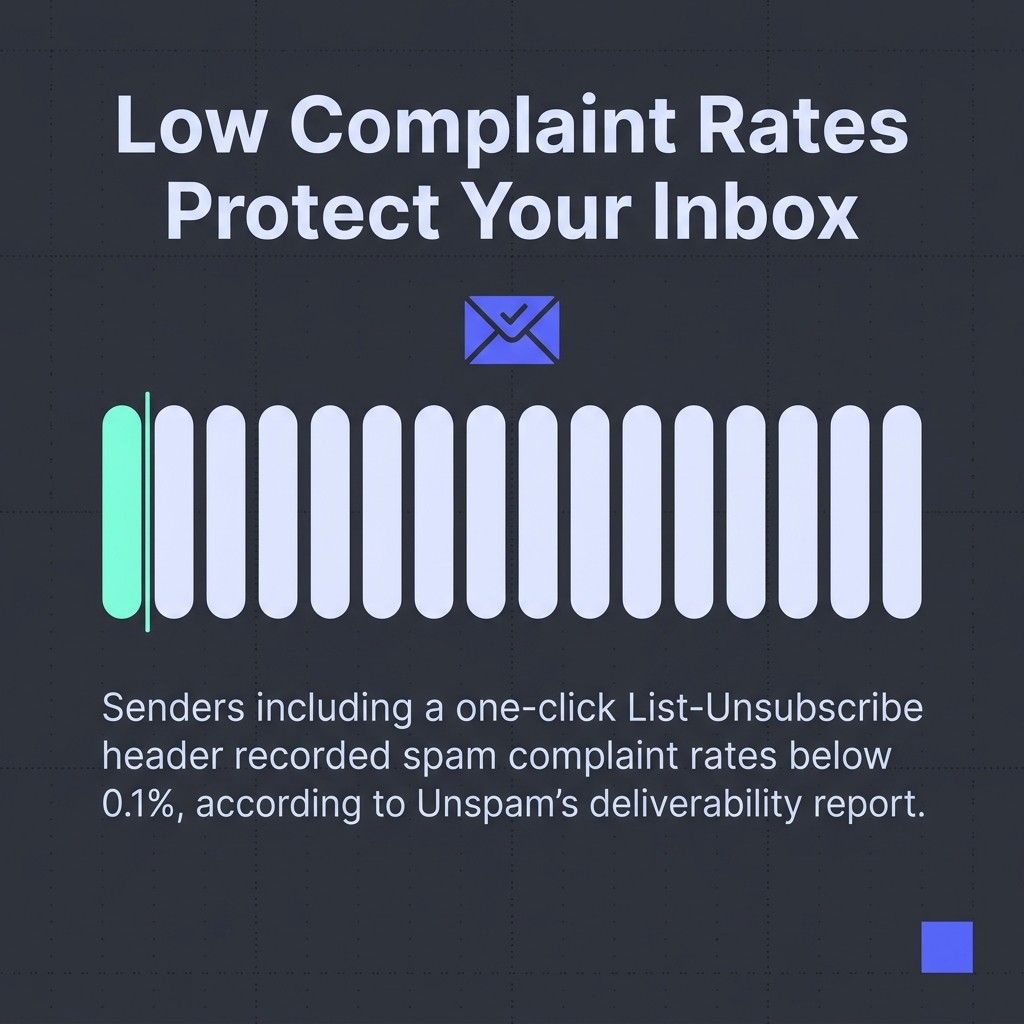
The complaint rate from purchased lists is dramatically higher than from opt-in lists. Senders including a one-click List-Unsubscribe header recorded spam complaint rates below 0.1%, according to Unspam's deliverability report. Purchased-list senders typically see complaint rates multiple times higher. Mailbox providers use a spam complaint rate threshold of around 0.1% for Google and 0.3% for Yahoo before applying negative filtering. Exceed those thresholds consistently and your emails go to the spam folder for everyone, including your legitimate subscribers.
Fix it:
- Do not send to any contact who didn't explicitly opt in to your specific brand. No exceptions.
- Implement confirmed (double) opt-in for new subscribers. It adds one step to the signup process but produces a significantly cleaner list with stronger engagement signals.
- If you have already sent to a purchased list, stop immediately and do not import those contacts into your main Klaviyo account. The damage is in the complaint rate, not just the bounce rate.
- Monitor your spam complaint rate via Google Postmaster Tools and the Yahoo Complaint Feedback Loop. Set up alerts so you catch rate spikes before they compound.

Bonus: Engagement Signals, Sending Practices, and Diagnostic Tools
Beyond the six core fixes, several additional factors influence whether your emails reach the inbox or land in the spam folder, and a small set of diagnostic tools can surface problems you might not otherwise see.
Engagement signals mailbox providers actually watch
Mailbox providers track how recipients interact with your emails at scale. High open rates, click rates, and replies signal that recipients want your emails. Low engagement combined with high spam complaint rates signals the opposite, and the spam folder becomes your default destination.
This is why your welcome series is a deliverability asset, not just a revenue driver. New subscribers who engage in the first few sends establish positive signals early. That early engagement builds domain reputation with every major mailbox provider before you ever send a promotional campaign.
Frequency matters too. Sending too often to unengaged subscribers drives up spam complaint rates. Sending too infrequently means recipients forget who you are and mark your emails as spam when they appear. Find a cadence that matches subscriber expectations, then be consistent.
Diagnostic tools worth using now
These tools identify specific problems rather than requiring you to guess:
- Google Postmaster Tools: shows domain reputation, IP reputation, spam rate, and authentication pass rates directly from Gmail's systems. Free. Essential.
- Mail-Tester: sends a test email and scores it against common spam filter criteria. Identifies content, authentication, and formatting issues in one report.
- MXToolbox: checks SPF, DKIM, and DMARC records plus IP blocklist status. Use this to verify authentication is publishing correctly.
- MultiRBL: checks your sending IP against over 100 real-time blocklists simultaneously. Faster than checking each blocklist individually.
- Dmarcian: parses and visualises DMARC aggregate reports so you can understand your authentication pass and fail rates across all sending sources.
The no-reply and from-name problem
Your "from" name and "from" address affect both spam filter scoring and whether recipients recognise you. An unfamiliar from-name is one of the most common reasons recipients hit the spam button rather than unsubscribe. That spam complaint is infinitely more damaging to your email deliverability than an unsubscribe.
Use a consistent, recognisable from-name. Use a real reply-to address. These two changes alone reduce spam complaint rates for most senders.
Fix Your Email Deliverability: Where to Start Today
Emails going to spam is a solvable problem. The causes are well-understood, the fixes are documented, and the tools to diagnose exactly what's wrong are free.
Start with email authentication. Check your SPF, DKIM, and DMARC records via MXToolbox today. If any are missing, add them. That single fix closes the most common gap we see across every Klaviyo account we audit.
Then set up Google Postmaster Tools and check your domain reputation. If it's showing as Low, stop sending to your full list and switch to engaged-only segments immediately.
For a complete picture of what's holding your inbox placement back, our email marketing audit covers authentication, list health, content scoring, and sending infrastructure in one structured review. We work with ecommerce and D2C brands to make email deliverability a solved problem, not a recurring fire drill.
Sort the foundations. The revenue follows.
.jpg)
.jpg)