
How to Add a Countdown Timer in Klaviyo (BFCM Ready)
Klaviyo does not have a built-in countdown timer for email, which means every ecommerce brand that wants one must connect a third-party tool and embed the generated code into a Klaviyo HTML block. The process takes under ten minutes. Tools like MailTimers, Sendtric, and CountdownMail generate an animated GIF or live-rendering embed code that you copy and paste directly into your Klaviyo email template. Done correctly, the countdown timer appears inside the email exactly as it does in the tool's preview.
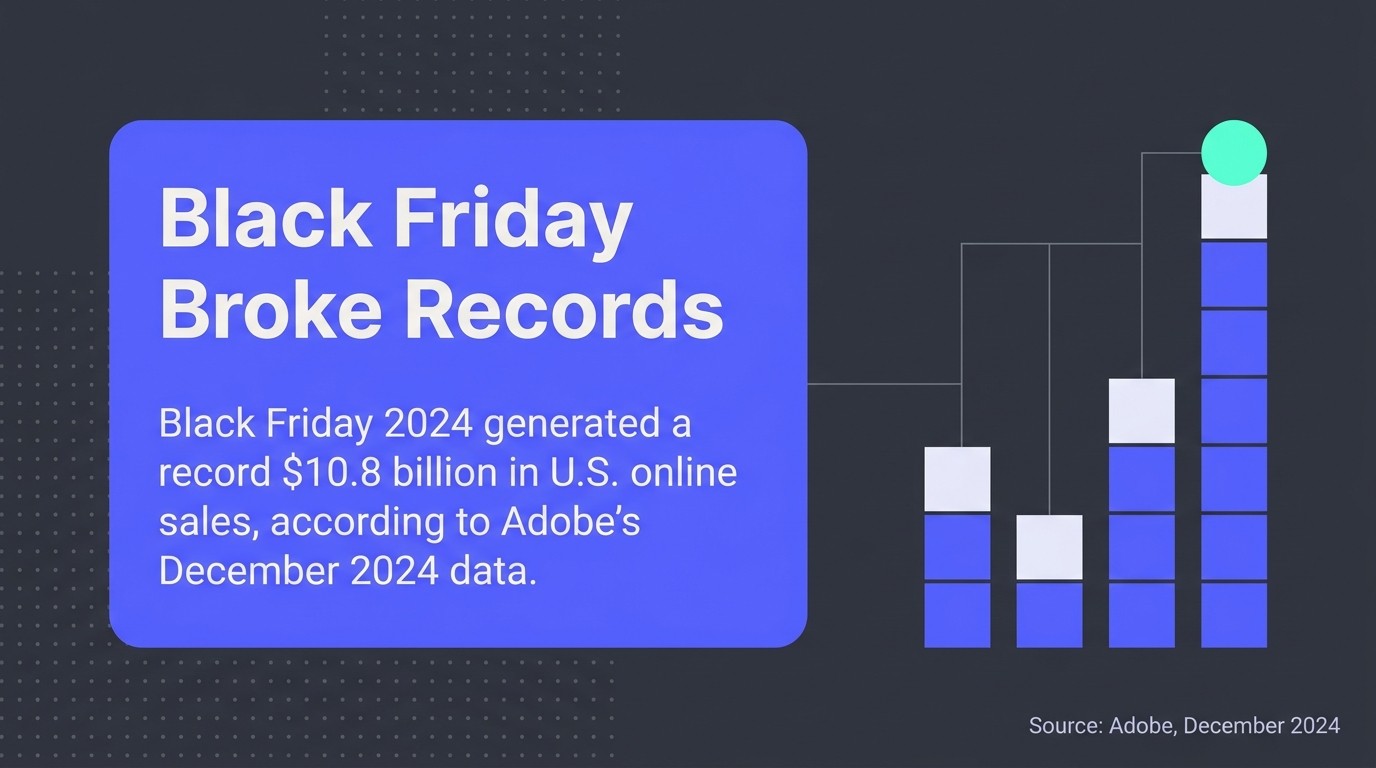
This matters most at BFCM. Adobe's December 2024 data shows Black Friday 2024 generated a record $10.8 billion in U.S. online sales, and Klaviyo's own BFCM 2024 report confirms the platform delivered more than 18 billion messages over that period. If you are sending into that volume and your emails have no urgency mechanism, you are leaving click-throughs on the table.
Why Klaviyo Has No Native Countdown Timer for Email
Klaviyo's countdown timer feature exists inside sign-up forms, not email templates. According to Klaviyo's official help documentation, adding a countdown timer to an email requires a third-party tool such as MailTimers. That is not a bug or an oversight. Animated, time-sensitive elements in email sit outside what standard email template editors render natively.
The consequence is that every brand running a flash sale, a product launch countdown, or an abandoned cart sequence with a deadline has to solve this externally. The good news is that the third-party options are mature, mostly free at entry level, and integrate with Klaviyo's HTML block in a few steps. You do not need a developer.
Worth knowing: urgency genuinely converts. A peer-reviewed study on FOMO in email marketing found that scarcity-based nudges in subject lines have a measurable positive effect on open rates. A countdown timer in the email body reinforces that same psychological trigger at the moment of reading.
Best Third-Party Countdown Timer Tools for Klaviyo
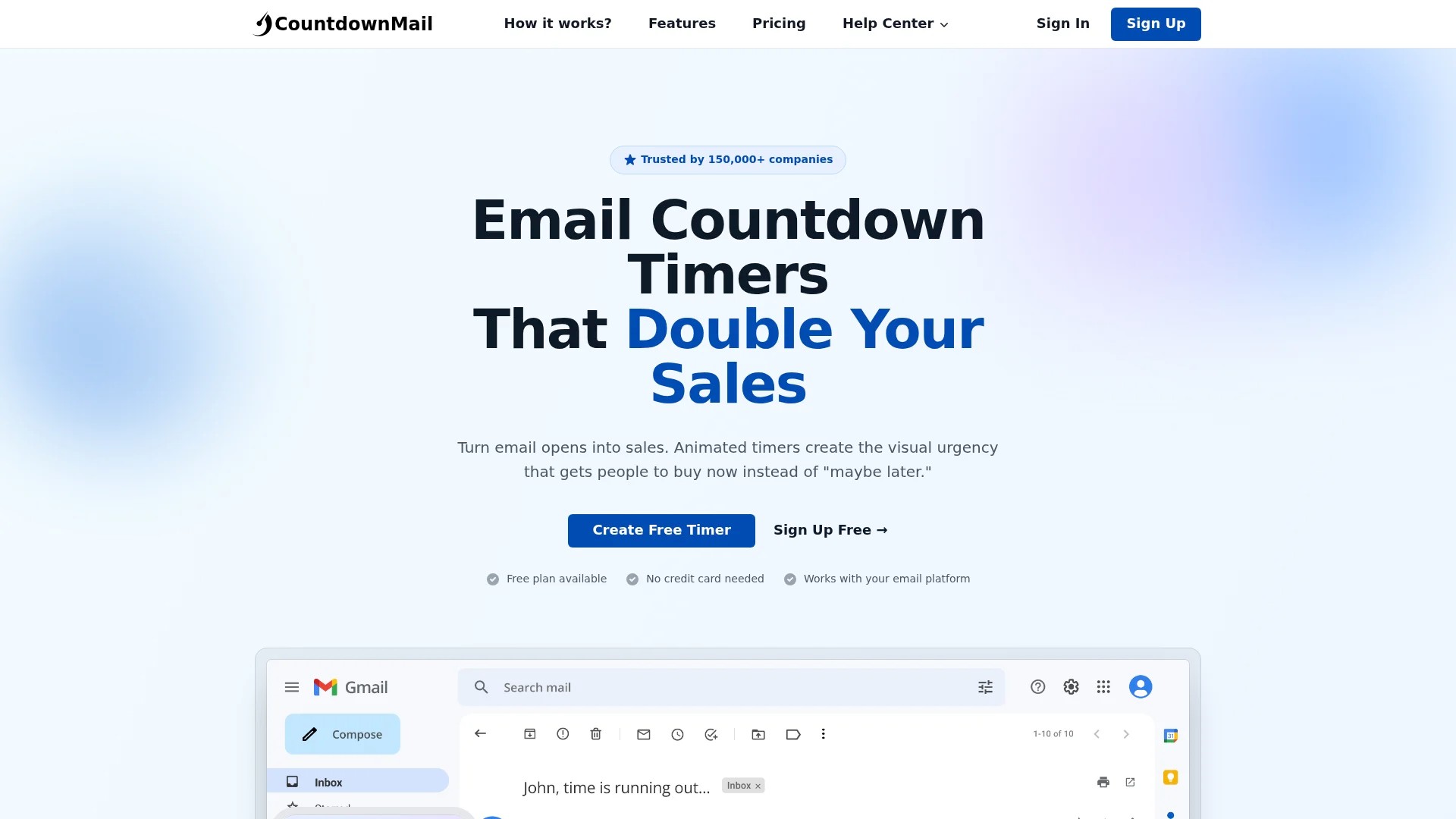
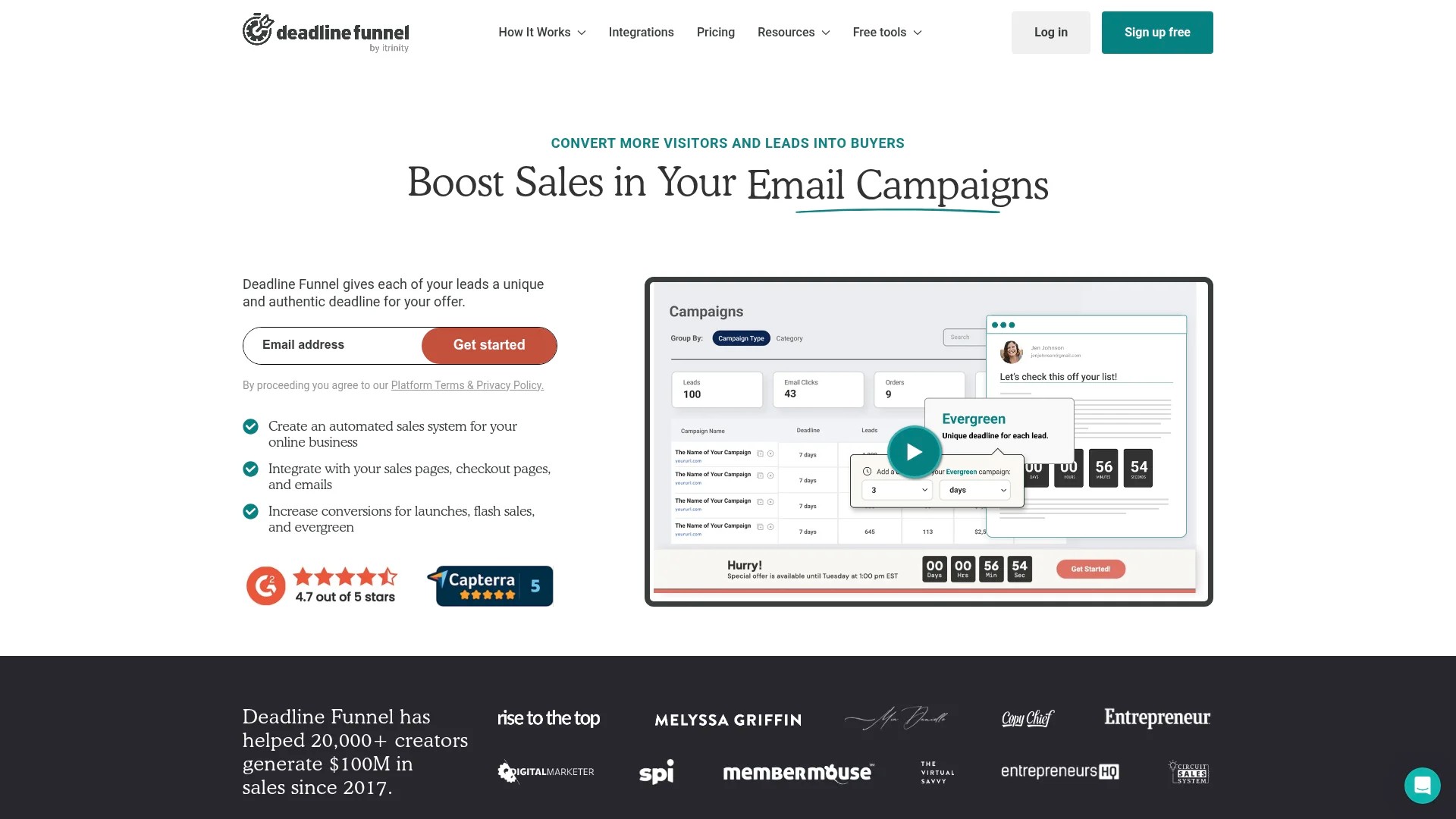
Four third-party tools dominate for Klaviyo countdown timer integration: MailTimers, Sendtric, CountdownMail, and Deadline Funnels. Each generates an embed code you copy and paste into a Klaviyo HTML block, but they differ in timer type support, customisation, and pricing.
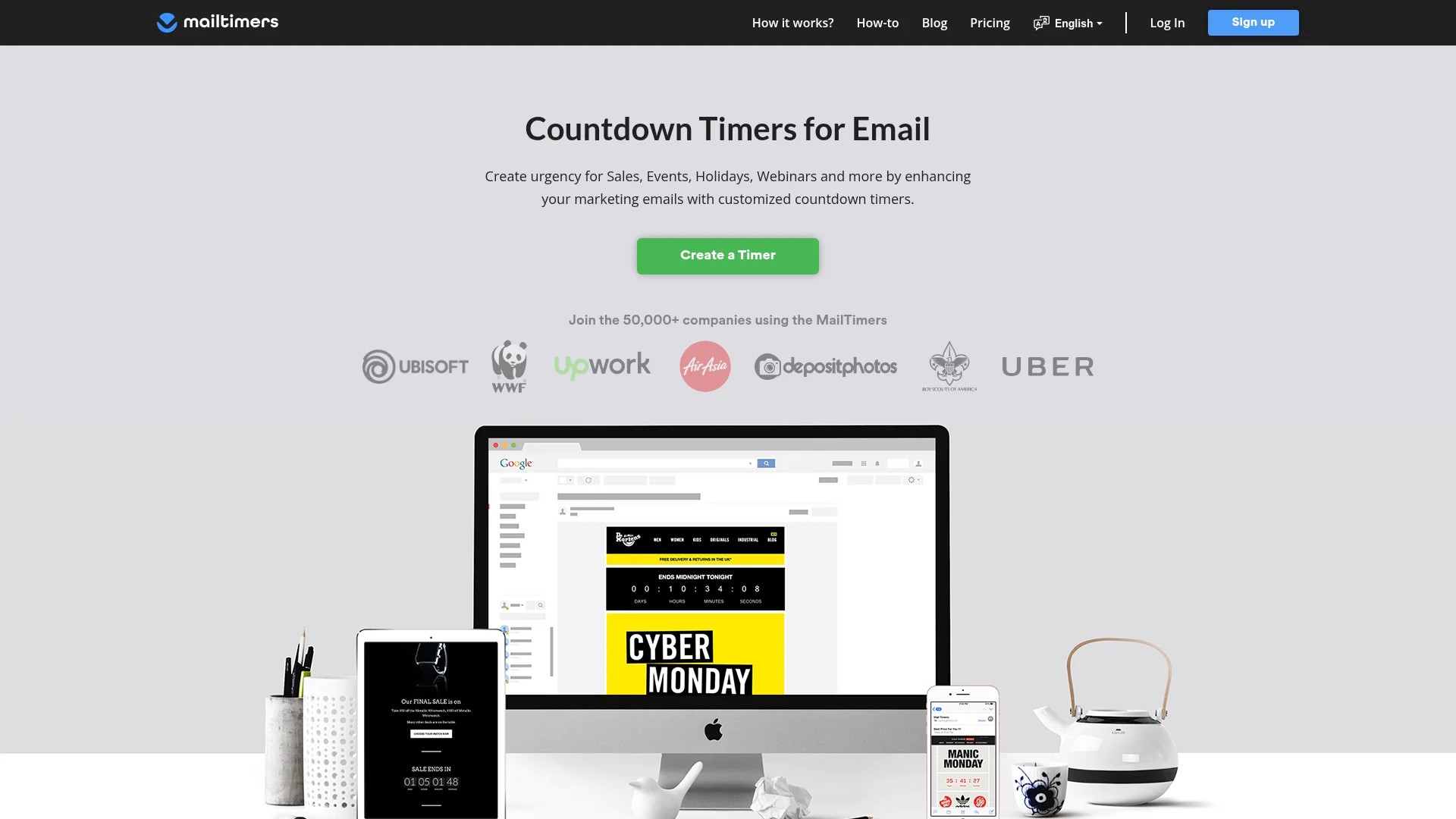
- MailTimers — Free tier available. Generates static GIF countdown timers. Straightforward interface, reliable for standard fixed-deadline timers in Klaviyo campaigns and flows.
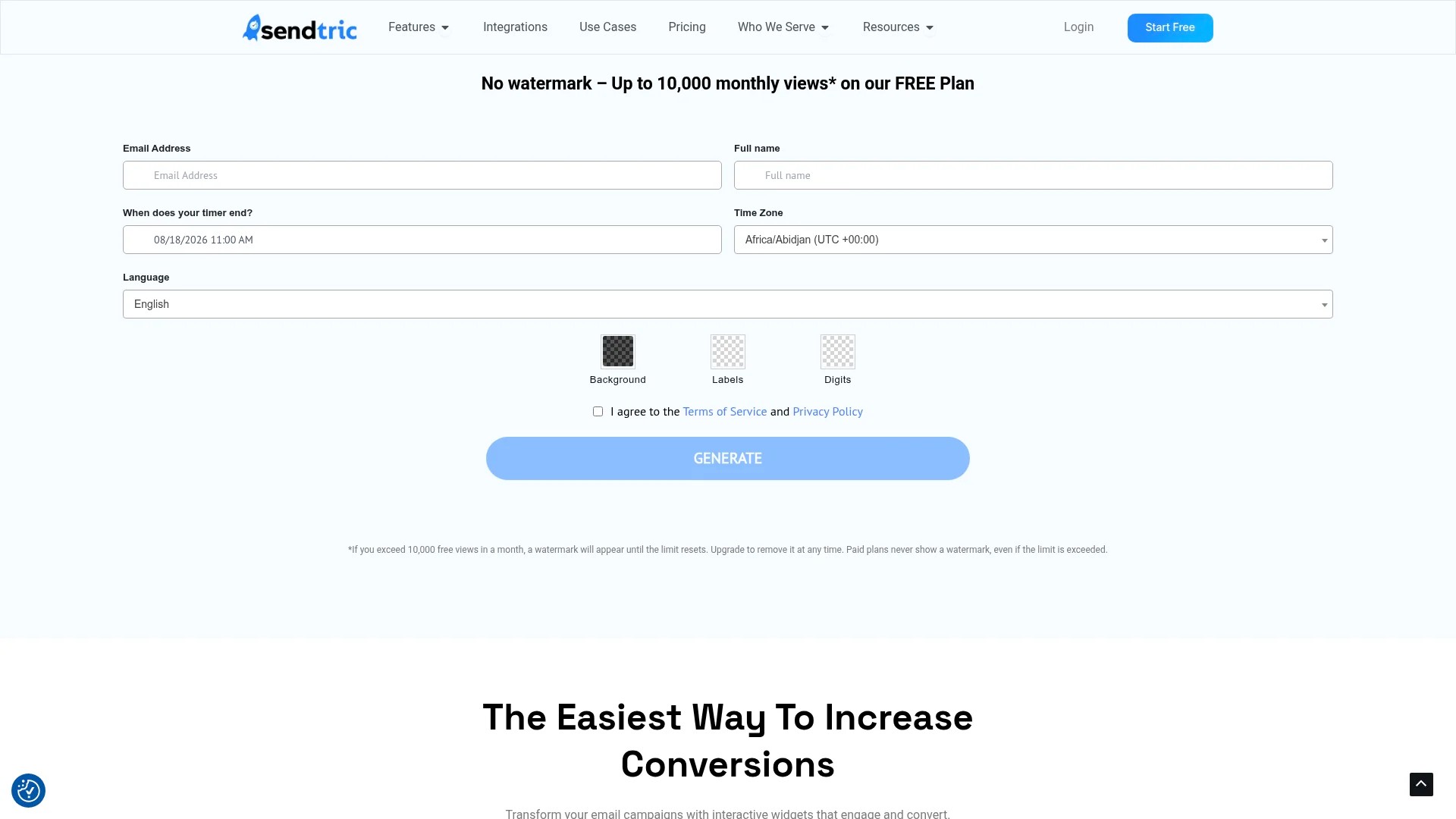
- Sendtric — Free tier available. Sendtric's Klaviyo integration page confirms it supports both standard (fixed deadline) and evergreen (starts on first email open) timer types. Strong option for Klaviyo flows where each subscriber's clock should start independently.
- CountdownMail — Paid plans with deeper design customisation. Good for brands that need the countdown timer to match precise brand colours and typography inside the Klaviyo email template.
- Deadline Funnels — Paid, with per-subscriber tracking. The strongest option when you need the same deadline to follow a contact across email and landing page, useful for Klaviyo flows tied to a specific promotional window.
For most ecommerce brands starting out, Sendtric or MailTimers cover 90% of use cases at zero cost.
Types of Countdown Timers You Can Use in Klaviyo Emails
Two countdown timer types matter for Klaviyo: fixed-deadline timers and evergreen timers. Choosing the wrong one for your use case is the most common mistake we see in accounts we audit.
Fixed-Deadline (Standard) Timers
A fixed-deadline countdown timer counts down to a specific date and time, the same for every recipient. Use this for Klaviyo campaigns tied to a real event: a BFCM sale ending at midnight, a product launch going live on a set date, or a flash sale with a hard stop. Every subscriber who opens the email sees the same remaining time. This is the right choice for Klaviyo email campaigns where the offer deadline is universal.
Evergreen Timers (Start-on-Open)
An evergreen countdown timer starts counting down from the moment a specific subscriber first opens the email, not from a fixed calendar date. This suits Klaviyo flows and automations where the urgency is personal to each contact. An abandoned cart Klaviyo flow is the textbook example: if someone abandons their cart on a Tuesday and another on a Friday, both receive a personalised 24-hour window rather than a shared deadline that may already have passed. Sendtric and Deadline Funnels both support this timer type natively for Klaviyo.
For your Klaviyo abandoned cart flow, evergreen timers almost always outperform fixed deadlines because the urgency is tied to the individual's behaviour, not a broadcast schedule.
How to Add a Countdown Timer to Klaviyo Emails: Step-by-Step
The process follows the same pattern regardless of which third-party tool you choose: create the timer externally, copy the embed code, and paste it into a Klaviyo HTML block inside your email template. Here is the full sequence using Sendtric as the example, since it supports both timer types for Klaviyo.
- Create your timer in Sendtric. Go to sendtric.com and select your timer type: standard for a fixed deadline, evergreen for a start-on-open timer. Set the end date and time (for standard), or the duration in hours and minutes (for evergreen). Customise the font, colour, and background to match your Klaviyo email template.
- Generate and copy the embed code. Click 'Generate'. Sendtric produces an HTML embed code snippet. Copy the entire code block. Do not modify it before pasting.
- Open your Klaviyo email template. In Klaviyo, navigate to the email campaign or Klaviyo flow email you want to edit. Open the email template in the drag-and-drop editor.
- Add an HTML block. From the content block menu on the left, drag an HTML block into your Klaviyo email template at the position where you want the countdown timer to appear, typically below the headline and above the primary CTA.
- Paste the embed code into the HTML block. Click into the HTML block and paste the embed code copied from Sendtric. Do not add surrounding tags. Save the block.
- Preview and test. Use Klaviyo's preview function to check the countdown timer renders correctly. Send a test email to yourself and open it on both desktop and mobile to confirm display before activating the Klaviyo campaign or flow.
The same copy-and-paste process applies to MailTimers, CountdownMail, and Deadline Funnels. The only difference is where you generate the embed code. The Klaviyo HTML block step is identical across all tools.
For guidance on getting your full email template right before adding elements like this, our Klaviyo email template design best practices guide covers layout, hierarchy, and the structural decisions that affect conversion.
When to Use a Countdown Timer in Klaviyo
A countdown timer earns its place in a Klaviyo email when there is a genuine deadline attached to an offer. Using one without a real constraint trains subscribers to ignore it.
Klaviyo Campaigns
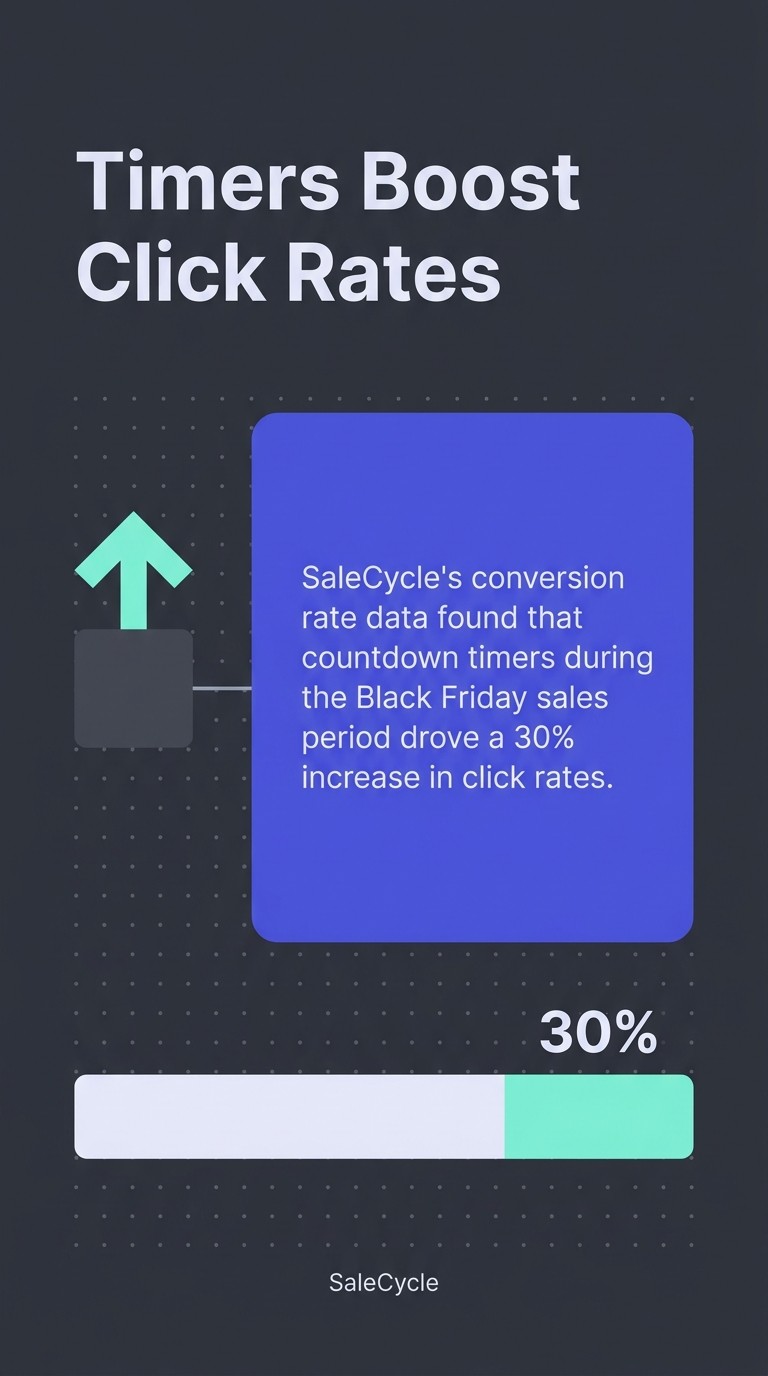
Klaviyo email campaigns are the natural home for fixed-deadline countdown timers. BFCM sale emails, end-of-season clearance campaigns, and new product launch announcements all carry real deadlines that a countdown timer communicates more viscerally than copy alone. SaleCycle's conversion rate data found that countdown timers during the Black Friday sales period drove a 30% increase in click rates. That is a measurable outcome, not a cosmetic flourish.
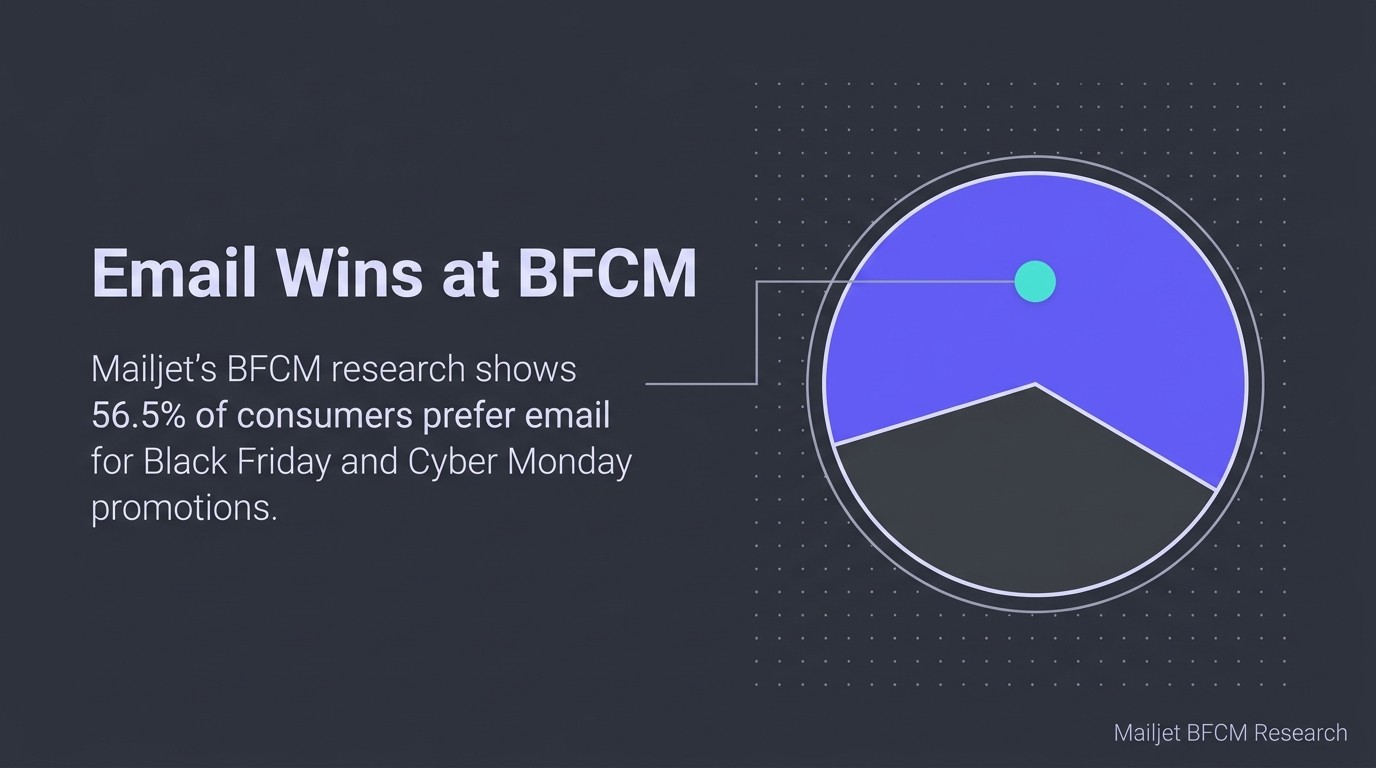
BFCM is the highest-stakes moment for this tactic. Mailjet's BFCM research shows 56.5% of consumers prefer email for Black Friday and Cyber Monday promotions. Your Klaviyo email campaigns are already the channel your subscribers want. A countdown timer converts that preference into action.
Klaviyo Flows and Automations
Inside Klaviyo flows, evergreen countdown timers do the heavy lifting. Abandoned cart flows, win-back campaigns with a limited-time incentive, and post-purchase upsell flows with a 48-hour bundle offer all benefit from a timer that counts down from the moment of open. The FOMO is personalised, not broadcast. That personalisation is what makes it feel real rather than manufactured.
If you want to see how urgency operates across the full abandoned cart sequence, our abandoned cart email examples break down the copy and structure patterns that convert.
Countdown Timer Compatibility: Apple Mail, Outlook, and Dark Mode
Countdown timers in Klaviyo emails do not render identically across every email client, and knowing the exceptions stops you from sending something broken to a significant portion of your list.
Apple Mail Pre-Loading
Apple Mail pre-loads email content, including images, when it fetches messages in the background. This means the countdown timer GIF may be captured at the moment Apple Mail retrieves the email, not the moment the subscriber opens it. The displayed time can be frozen or inaccurate. For fixed-deadline Klaviyo campaigns this is a minor cosmetic issue. For evergreen timers it is more problematic, since the clock should start on open. Most third-party tools acknowledge this limitation. It does not break the email, but the timer accuracy is not guaranteed in Apple Mail.
Older Outlook Versions
Outlook 2007, 2010, and 2013 do not support animated GIFs. Subscribers using these versions will see only the first frame of the countdown timer animation, which typically shows the full time remaining. The email still functions and the offer is still visible. It is a static image rather than a live countdown. This is an acceptable fallback for most ecommerce brands, but worth flagging if your list skews towards enterprise B2B contacts who may still use legacy Outlook clients.
Dark Mode
Dark mode can invert or alter countdown timer colours depending on how the GIF is built. When creating your timer in MailTimers, Sendtric, or CountdownMail, use a transparent background where the tool allows it, and test in dark mode before sending. Most modern third-party tools handle this reasonably well, but an untested timer with a white background can look jarring in dark mode on mobile.
For a complete pre-send checklist ahead of BFCM volume, read our guide on preparing your domain for BFCM email volume. Deliverability issues at scale will cost you far more than a timer compatibility edge case.
Countdown Timer FAQs for Klaviyo Users
Does Klaviyo have a built-in countdown timer for email?
No. Klaviyo does not have a native countdown timer for email templates. The countdown timer feature in Klaviyo is limited to sign-up forms. For email, you need a third-party tool such as MailTimers, Sendtric, or CountdownMail, and you embed the generated code into a Klaviyo HTML block.
Is a countdown timer worth adding to a Klaviyo email?
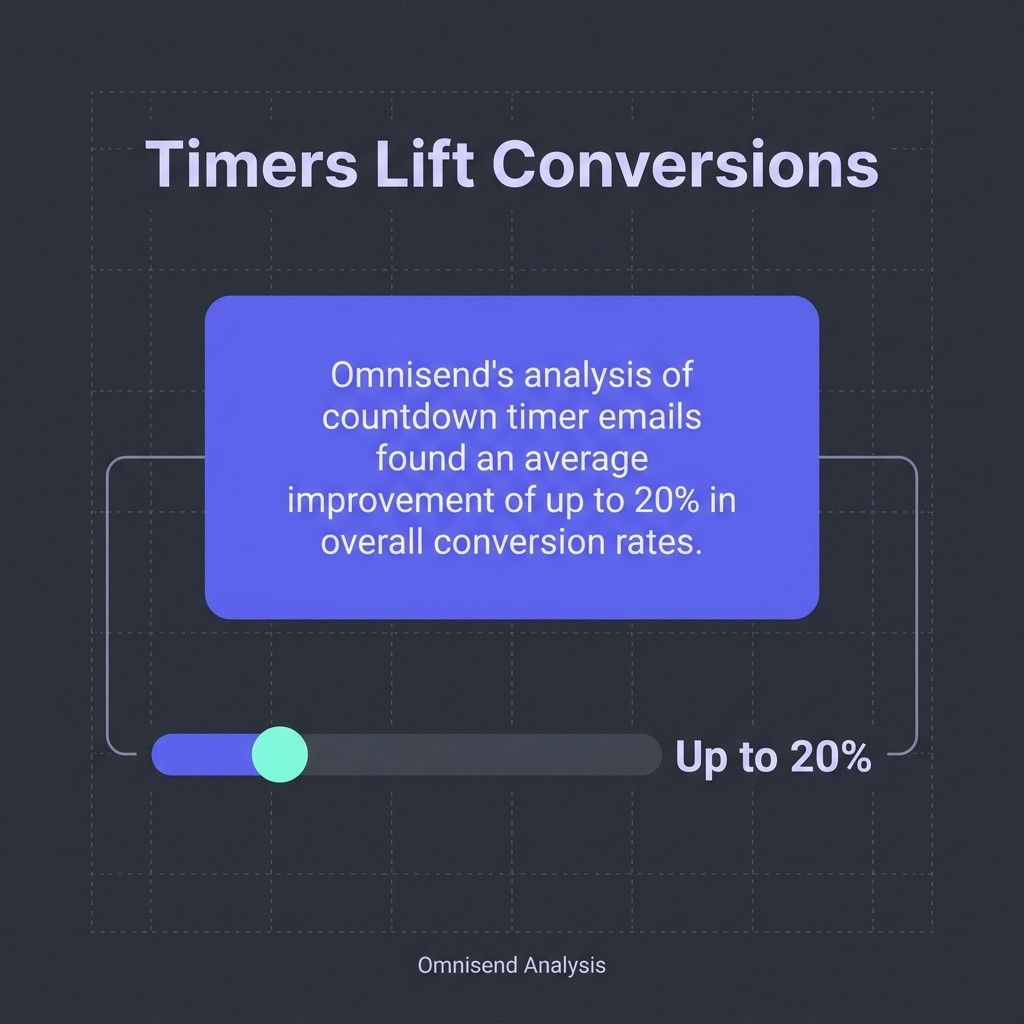
The data says yes, when the urgency is genuine. Omnisend's analysis of countdown timer emails found an average improvement of up to 20% in overall conversion rates. That figure holds when the deadline is real. A fake countdown timer erodes trust faster than it converts.
Can I use a countdown timer in a Klaviyo flow?
Yes. Evergreen countdown timers, supported by tools like Sendtric and Deadline Funnels, are built specifically for this. The timer starts from each subscriber's first open, making them ideal for Klaviyo flows such as abandoned cart sequences, win-back campaigns, and time-limited post-purchase offers.
Which is better for Klaviyo: MailTimers or Sendtric?
Both work well in Klaviyo via the HTML block copy-and-paste method. Sendtric has a slight edge for Klaviyo flows because it explicitly supports evergreen (start-on-open) timer types in addition to fixed-deadline timers. MailTimers is the faster option for simple fixed-deadline Klaviyo campaigns with no customisation needed.
Will a countdown timer work on mobile in Klaviyo?
Yes, for the majority of mobile email clients. Animated GIF countdown timers render correctly in Gmail, Apple Mail, and most major mobile clients. The Apple Mail pre-loading caveat applies on mobile as well as desktop, but the timer will display. Test on both iOS Mail and Gmail before your Klaviyo campaign goes live.
Adding urgency to your Klaviyo emails is one of the fastest levers available. A countdown timer takes ten minutes to set up, costs nothing to start, and the click-rate impact at BFCM is material. Pick Sendtric or MailTimers, generate your embed code, drop it into a Klaviyo HTML block, test it, and send. That is the whole process. If you want every element of your Klaviyo setup working at this level across the full customer lifecycle, our Klaviyo automation setup guide covers the flows and campaign structures that make retention inevitable.
.jpg)